Design
Free EDDM Postcard Templates
Five sizes of EDDM® postcard layout, free to download as PDF or SVG with no email required. Each one marks the bleed, trim, safe zone, USPS indicia zone and address block, so you can design in Canva, Adobe or anything else without guessing.
SPEC CHECKED 2026-11-06 · SOURCES BELOW
Jump to a section
Download a template
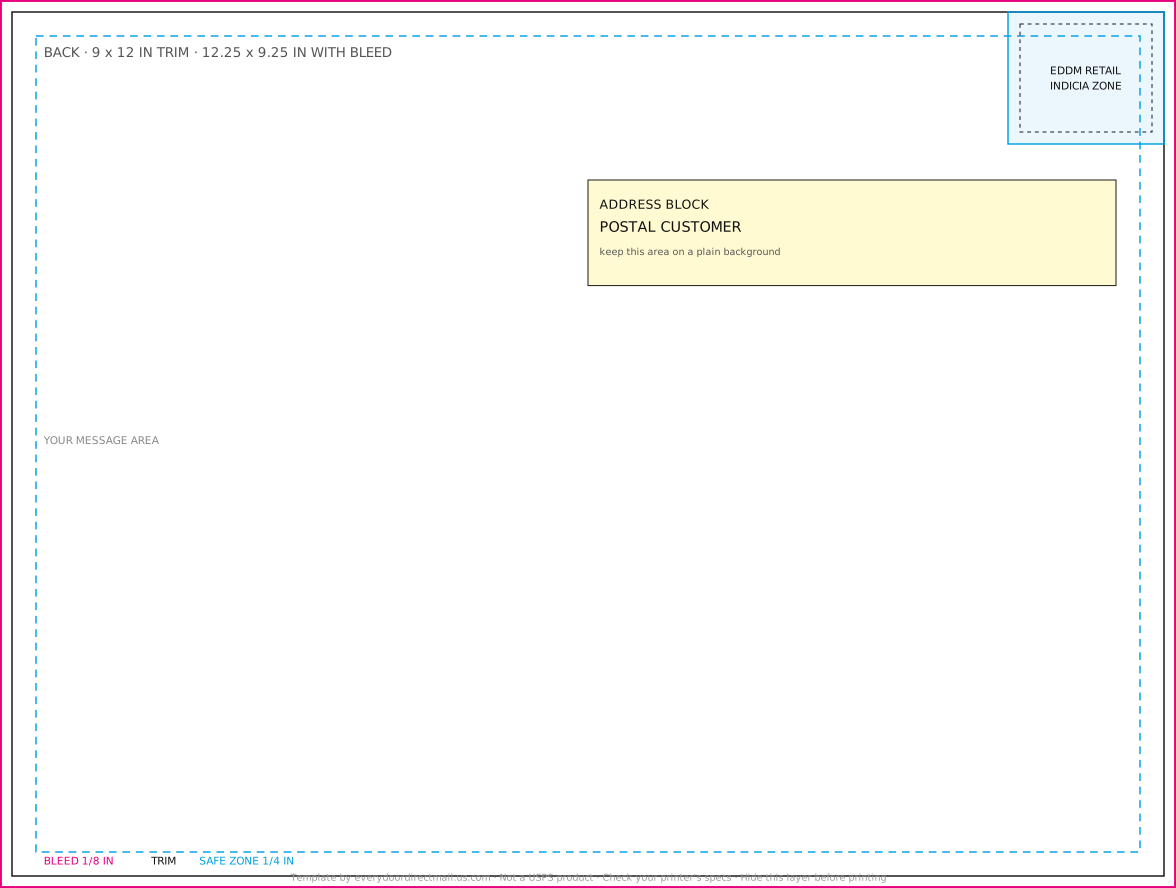
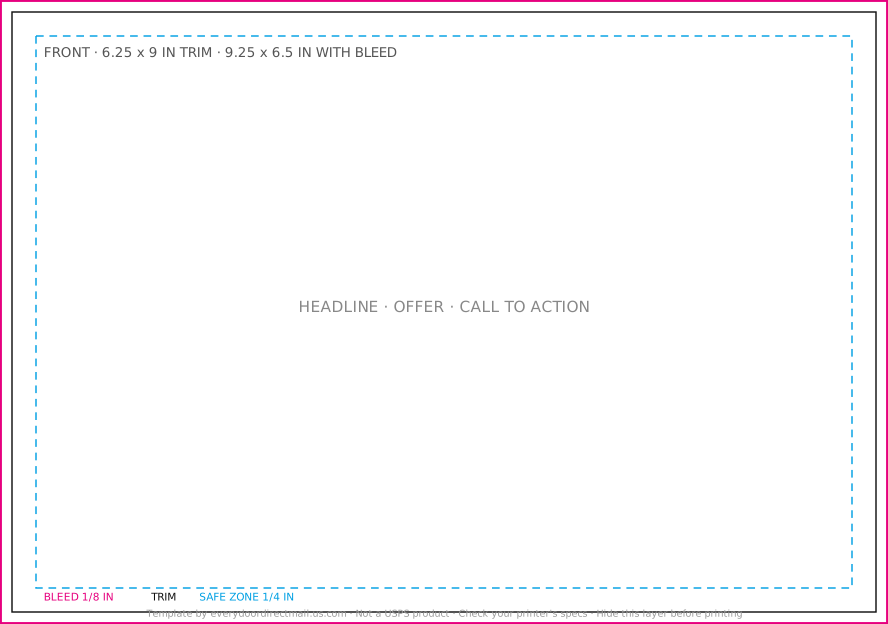
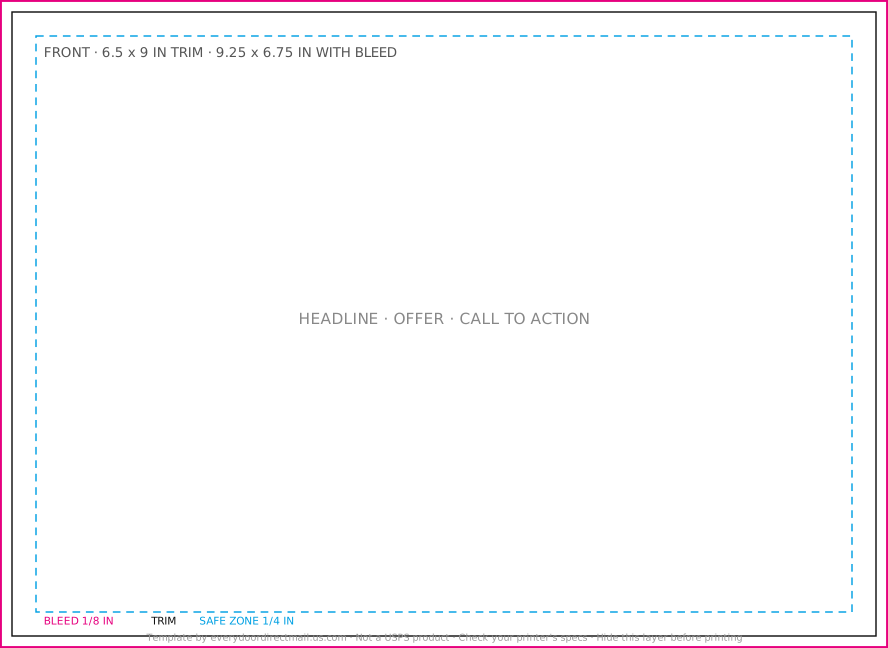
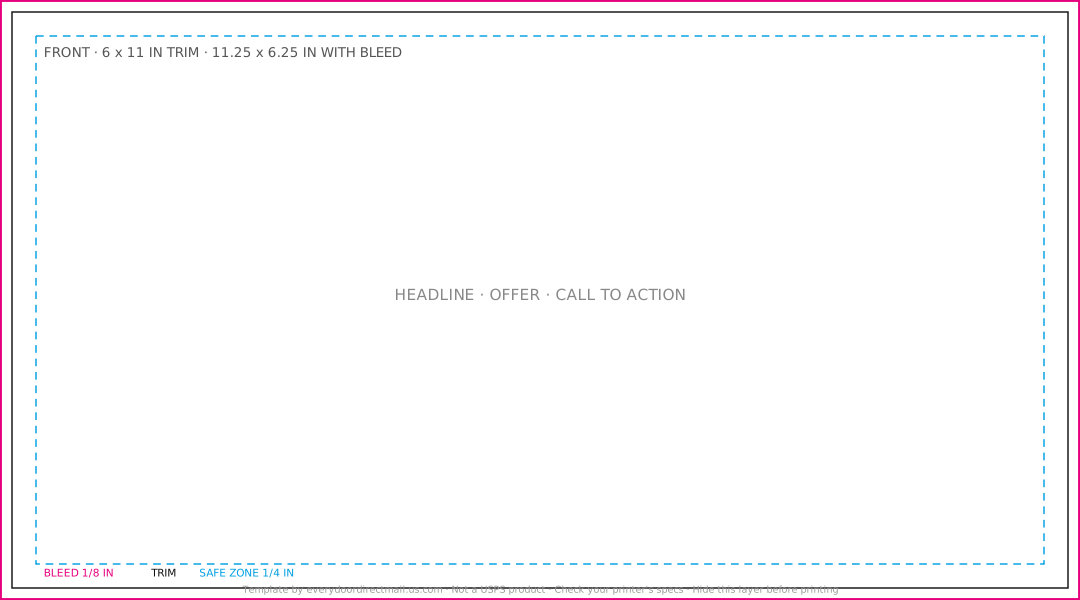
What the guide lines mean
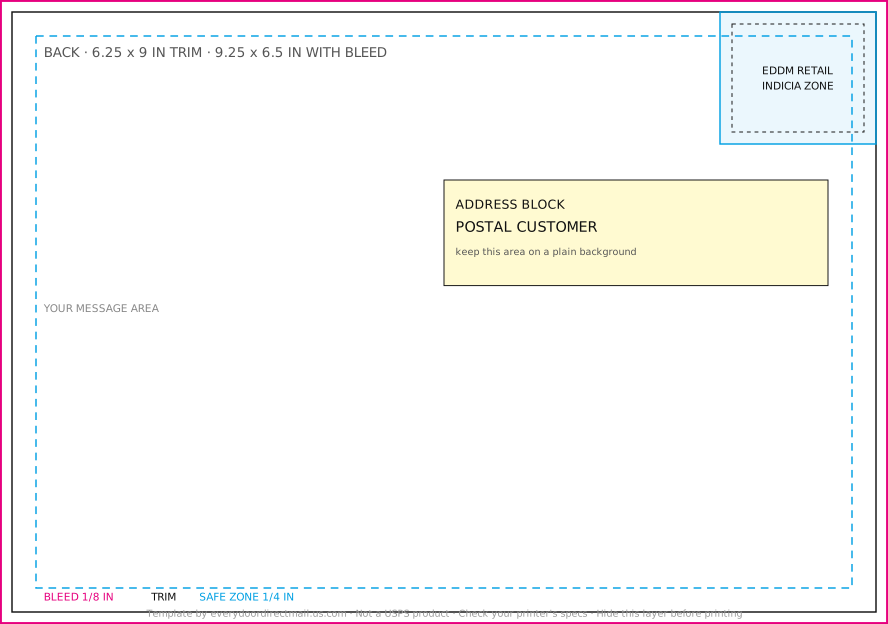
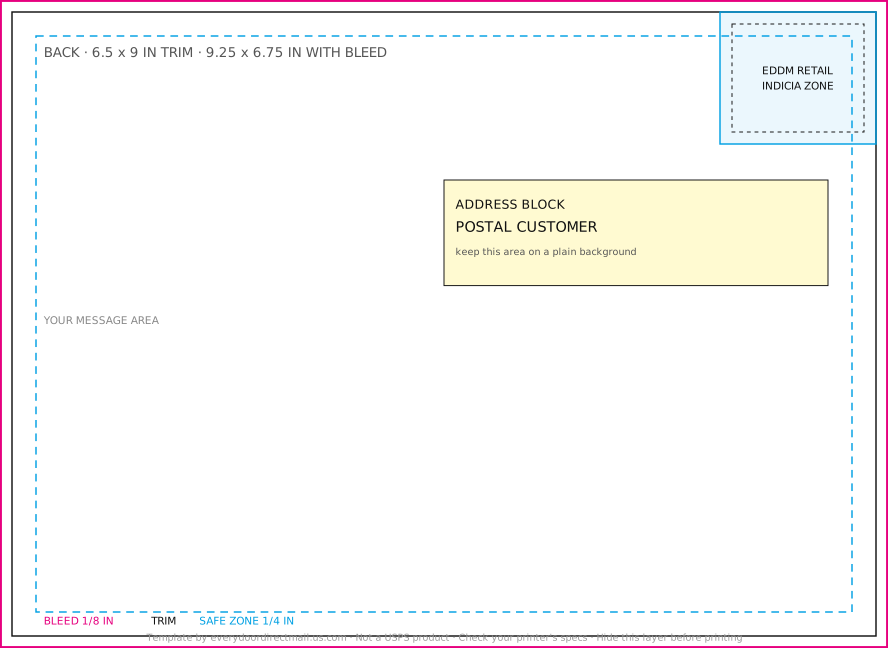
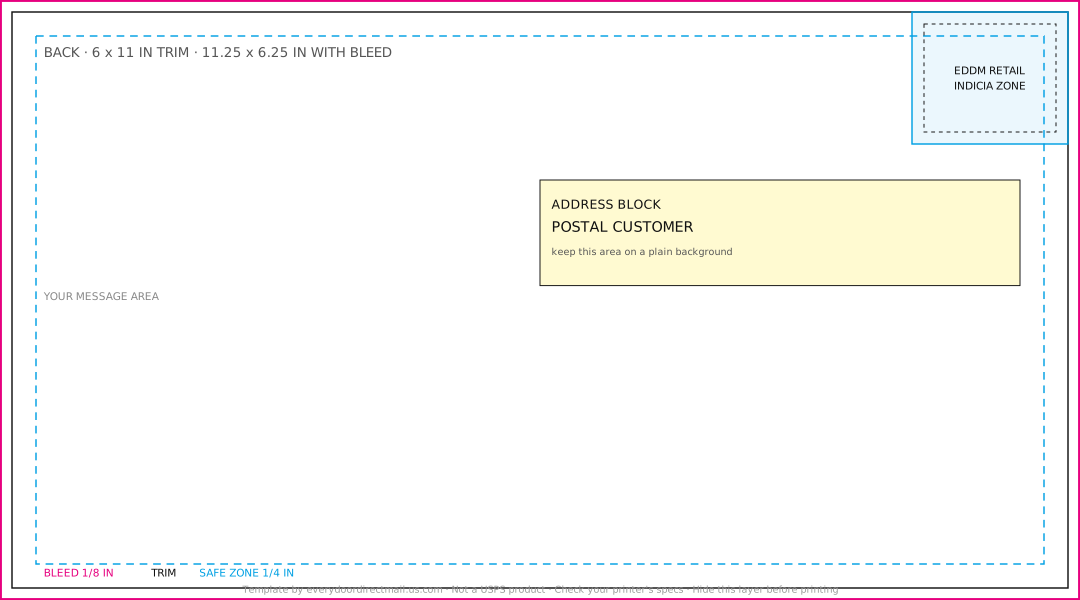
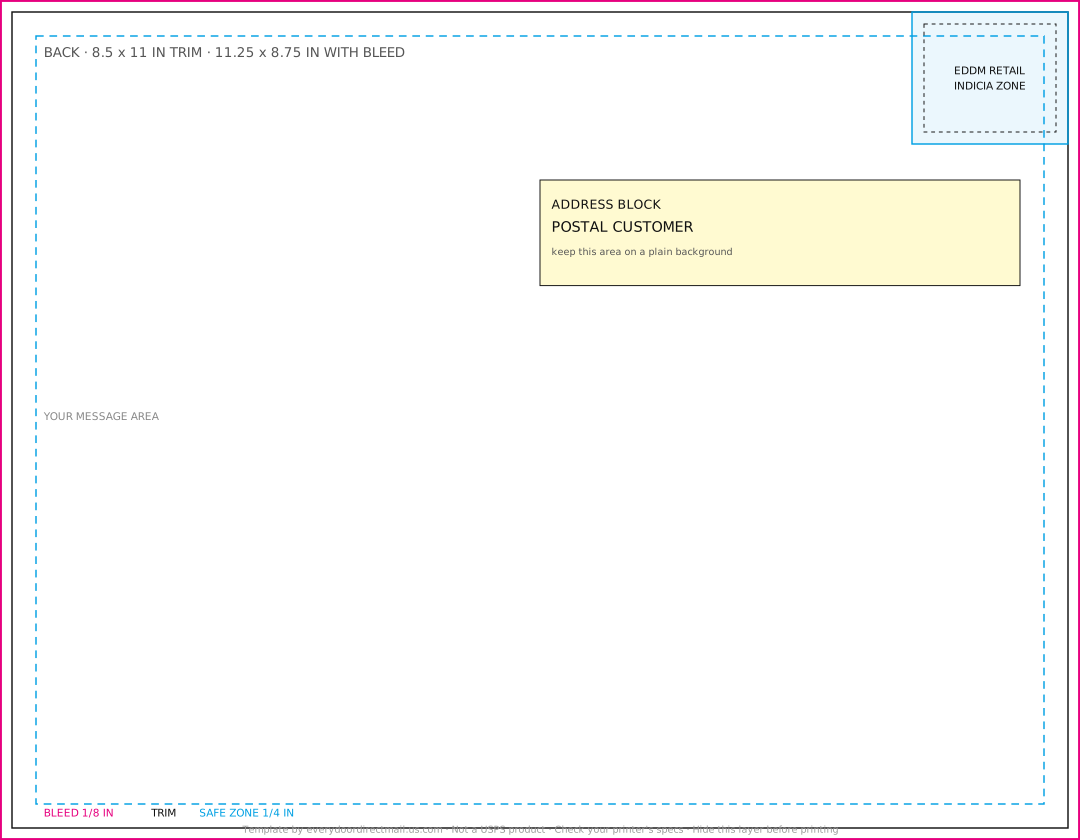
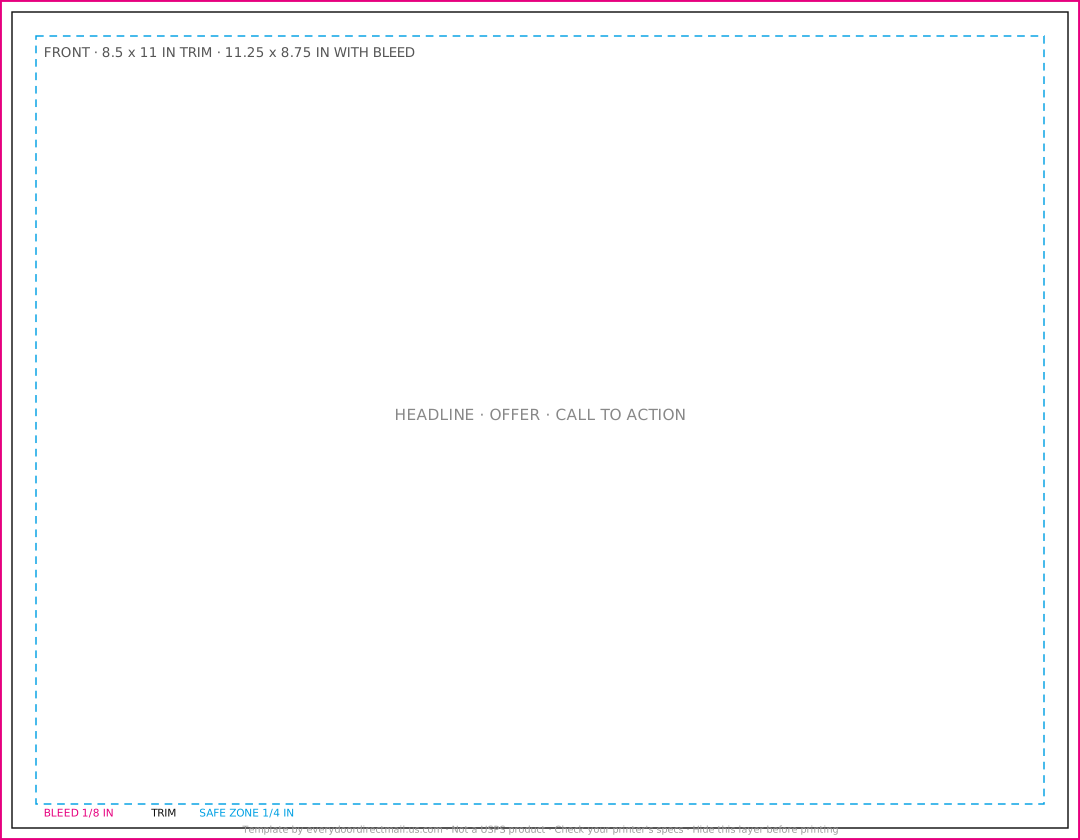
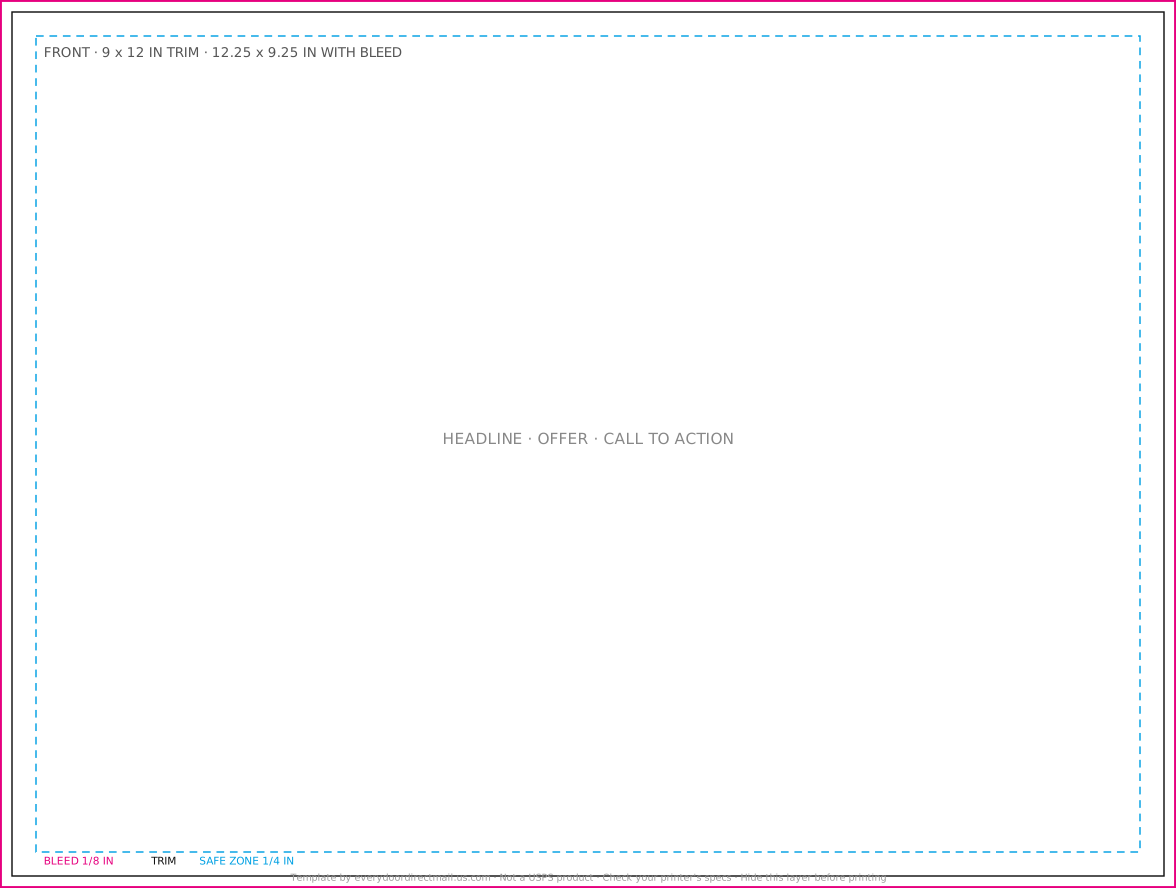
- Bleed (magenta). The outer edge of the file. Run any background color or photo all the way to this line. It gets trimmed off, and it's what stops thin white slivers appearing at the edges.
- Trim (black). Where the card is cut. This is the finished size.
- Safe zone (cyan). Keep every word, logo and phone number inside this line. Cutting machines shift slightly, and anything close to the trim can get clipped.
- Indicia zone (mailing side). The top-right box where the EDDM Retail® postage mark goes. USPS says it must sit within 1.625 inches of the right edge and 1.375 inches of the top, with an eighth of an inch clear around it.
- Address block (mailing side). Where "Postal Customer" goes, below and to the left of the indicia. Keep it on a plain background.
The files use a 1/8 inch bleed and a 1/4 inch safe zone. That bleed is the common printer convention, and the safe zone is deliberately generous so it works for printers that ask for either 1/8 or 1/4 inch. Your printer's own specs always win, so check them before you send the file.
How to use them
Canva: start a custom-size design at the full bleed size listed on the card above. Upload the template PDF or SVG, stretch it to fill the page, lock it and design on top. Delete the template layer before you download a print PDF.
Adobe Illustrator or InDesign: open the PDF, put it on its own locked layer, design on the layers above, then hide the template layer and export a PDF with bleed.
Sending to a printer: many printers check files for free. Tell them it's for EDDM so they confirm the size and indicia.
Watch out: don't print the guide lines. Hide or delete the template layer before exporting, every time.
Which size should you pick?
| Size (in) | Room for your message | Good for |
|---|---|---|
| 6.25 x 9 | Smallest common size that qualifies | Tight budgets, one strong offer |
| 6.5 x 9 | A little more height | A single offer plus a photo |
| 6 x 11 | Long and slim, stands out in a stack | Before-and-after photos, home services |
| 8.5 x 11 | Room for a menu or several services | Restaurants, multi-service businesses |
| 9 x 12 | The biggest of the five | Real estate, premium services, high-ticket offers |
All five qualify for EDDM Retail®, because each is either taller than 6.125 inches or longer than 10.5 inches. A plain 6 x 9 does not, which surprises a lot of people.
Before you send it to print
- Background color and photos run all the way to the bleed line
- Every word and number sits inside the safe zone
- Images are at least 300 dpi and the file is in CMYK color
- The EDDM Retail® indicia is in the top-right zone on the mailing side
- "Postal Customer" (or "Residential Customer") is in the address block
- The template guide layer is hidden or deleted
Questions people ask
Are these official USPS templates?
No. We drew these ourselves from USPS's published rules. USPS has its own EDDM® resources on usps.com, and many printers offer templates matched to their own equipment.
Can I use them for my business?
Yes. They're free for any use, including client work. No credit needed.
What resolution should my images be?
At least 300 dpi at the printed size is the usual requirement. A photo that looks sharp on screen can still print blurry if it's small.
Do I have to put the indicia on myself?
For EDDM Retail®, yes, it has to be printed on the card. USPS offers a ready-made indicia image to download. Some printers add it for you, so ask.
Sources
- USPS: Every Door Direct Mail
- Domestic Mail Manual 143: EDDM-Retail eligibility
- 48HourPrint: Every Door Direct Mail
Checked 2026-11-06. Rules, prices and services change. Confirm before you order or mail.